autoboot.net
Preparing for
Liftoff
„Don't worry. I'll figure it out for you.“
You're on the list!
We'll be in touch as soon as the beta starts.
autoboot.net
„Don't worry. I'll figure it out for you.“
You're on the list!
We'll be in touch as soon as the beta starts.
One stick, one click — and the machine sets itself up. No questions, no driver hunting, no staring at a progress bar. AutoBoot is free.
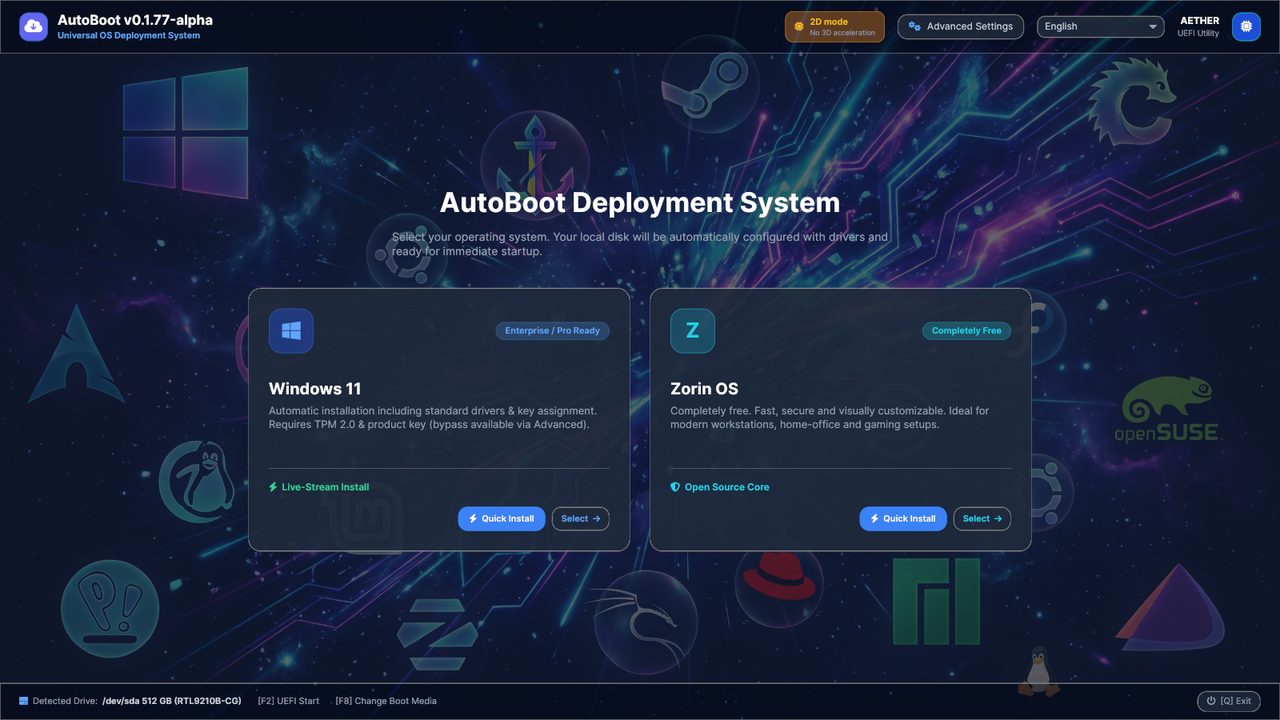
Pick an operating system, skip the rest. AutoBoot handles partitions, drivers and the user account by itself — all the way to a finished desktop, without anyone sitting next to it.
The image is fetched from the vendor during installation, not from an old copy on the stick. No stale Windows, no hundred updates afterwards.
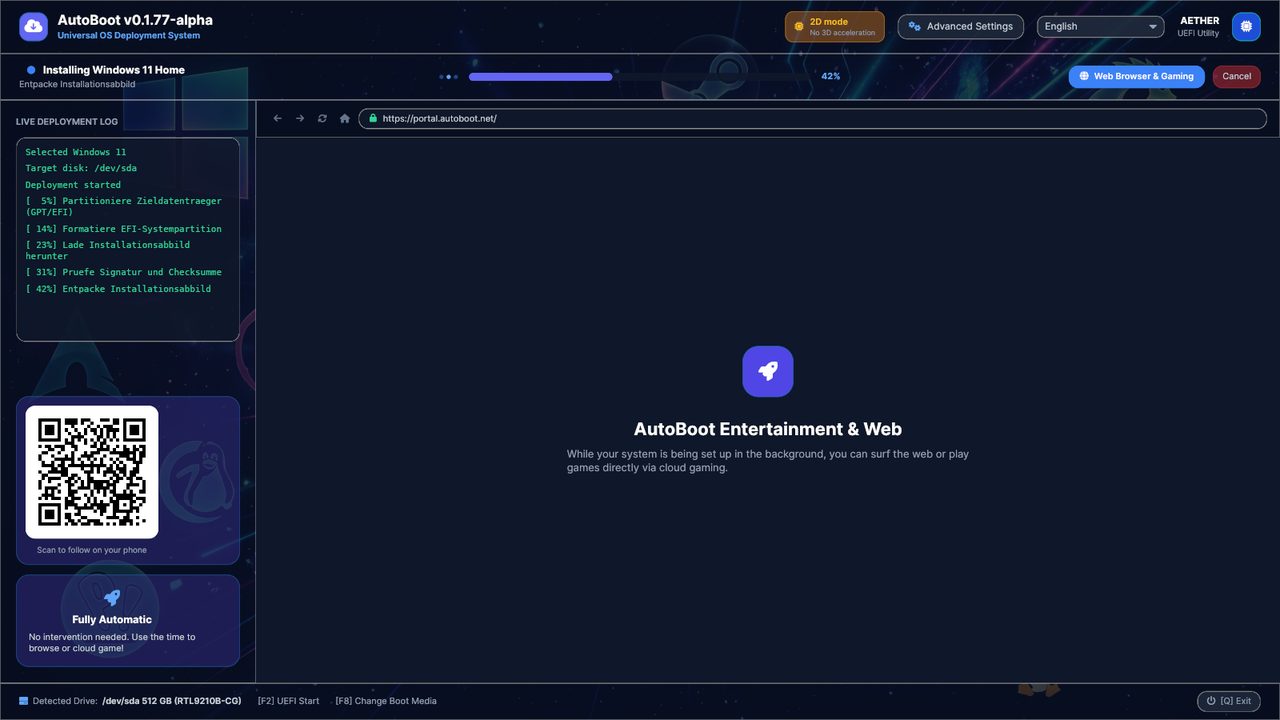
No cable at hand? AutoBoot shows a QR code. Scan it, send the credentials, done — without typing a password on the target machine.
An installation takes time. Instead of watching: browser, streaming and cloud gaming keep running alongside — on the very machine that is setting itself up.
AutoBoot detects language, keyboard layout and time zone from your location and sets them correctly in the new system. All of it stays changeable.
Browser, archiver, media player: whatever belongs on every new machine is installed along with it on request — picked from a list instead of hunted down one by one.
AutoBoot is under active development. What you read here is the goal — not all of it works today. How far along it is, see the roadmap below.
Phase 1 — current
Core Beta
The native USB creator is in place. Stable, fast zero-touch deployment for Windows and Linux.
Phase 2
Magic Setup
Phone-to-PC pairing. Zero-touch Wi-Fi handover through the camera, with no tedious password entry.
Phase 3
Enterprise Web API
The B2B infrastructure. A cloud dashboard for system integrators to manage many machines.